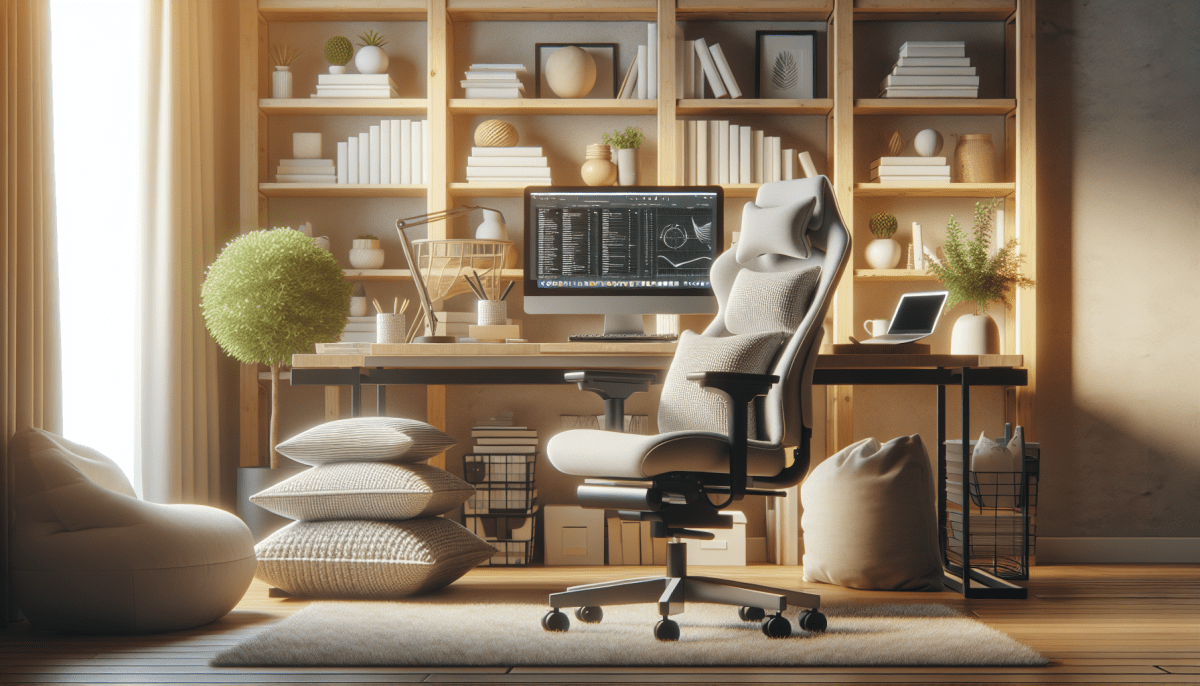
Finding the right chair can make or break your home office experience. You want something that feels great and supports your back while you tackle those endless Zoom meetings or work on exciting projects. Let’s dive into some of the best chairs designed for comfort and support.
First up is the Herman Miller Aeron Chair. This chair is a classic for a reason. It’s super adjustable, giving you options for height, tilt, and lumbar support. The breathable mesh keeps you cool, and honestly, it looks fantastic in any office. If you want a chair that almost feels like it was made just for you, this is it.
If you’re after something plush, check out the Steelcase Leap Chair. This one has amazing cushioning and a design that lets you move freely. It’s like getting a big hug while you work. Plus, it offers great back support, so you can say goodbye to those pesky aches by the end of the day.
For those on a budget, the Hbada Ergonomic Office Chair is a solid pick. It’s simple yet effective, providing decent support without breaking the bank. The adjustable features and sleek design make it a great fit for any setup. You won’t feel like you compromised on comfort here.
No matter which chair you choose, investing in a comfy, supportive option can really transform your work-from-home experience. Your body will thank you as you power through your tasks, and you’ll be much happier working from home.
Standing Desks to Boost Your Productivity
If you’re looking to boost your productivity during those long work hours, standing desks are a game changer. Sitting all day can really take a toll on your energy and focus. With a good standing desk, you can easily switch things up and get your blood flowing.
These desks come in all shapes and sizes, so you’re sure to find one that fits your space and style. Many models feature adjustable heights, allowing you to transition from sitting to standing in just seconds. Imagine the difference it can make to change your position throughout the day!
Make sure to pair your standing desk with a comfortable anti-fatigue mat. This small addition makes a huge difference for your feet and legs, allowing you to stand longer without discomfort. Try a few different heights and find the perfect setup that makes you feel energized and productive!
Keyboard and Mouse Setup for Health
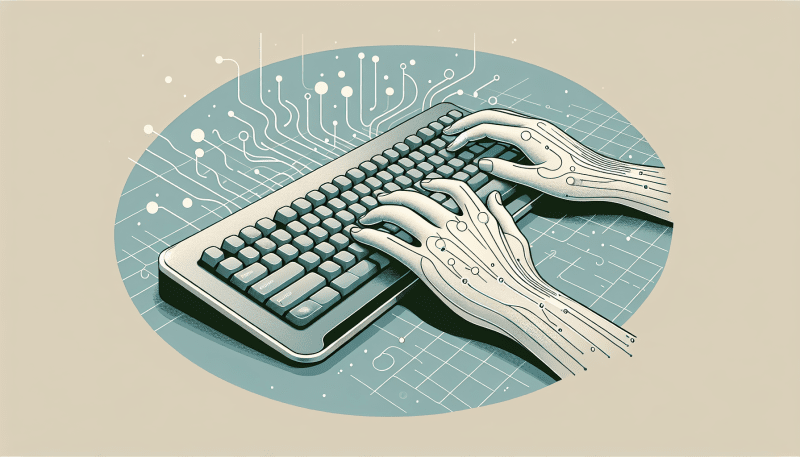
Getting your keyboard and mouse set up right is super important for your comfort and health. When you spend long hours typing or scrolling, keeping your arms and hands in a natural position can help prevent nagging issues like wrist pain or fatigue. Here’s how you can create a cozy setup that makes your work feel effortless.
First, think about the height of your keyboard and mouse. Your elbows should be at about a 90-degree angle, close to your body but relaxed. If your desk is too high, consider using a keyboard tray or an adjustable desk. This little change can make a world of difference in how you feel at the end of the day.
Next, pay attention to the type of keyboard and mouse you’re using. Ergonomic keyboards have a split design that allows your hands to rest in a more natural position. Look for a mouse that fits comfortably in your hand, ideally one that lets your wrist stay straight as you click and scroll. Wireless options can be a game-changer, too, since they let you position everything where it feels best for you.
Lastly, don’t forget to take breaks. Seriously, give your hands a rest every hour or so. Simple stretches can keep stiffness at bay. Try rolling your wrists, stretching your fingers, or even just getting up for a quick walk. It’s a small habit that pays off big time, keeping you comfortable and focused throughout the day.
Accessories to Enhance Your Workspace
Want to level up your home office? The right accessories can make a world of difference. They don't just support your setup; they enhance your comfort and productivity. Here are some must-have accessories to consider.
First up, a quality chair mat. It protects your floor and allows your office chair to glide easily, reducing wear and tear. Look for a mat that fits your style and space. Clear mats blend in nicely, while colorful ones can add a fun pop to your room. Either way, it'll keep your workspace looking sharp.
Next, think about a cable management system. It keeps all those pesky cords organized and out of sight. You can get clips, sleeves, or even trays to group them together. A tidy workspace helps you focus, so you spend less time untangling cables and more time getting things done.
Lastly, consider adding some ergonomic wrist supports. These little guys help keep your wrists aligned while you type or use your mouse. They’re a game changer if you find yourself typing for hours on end. With the right support, you’ll feel more comfortable and can say goodbye to those annoying aches.