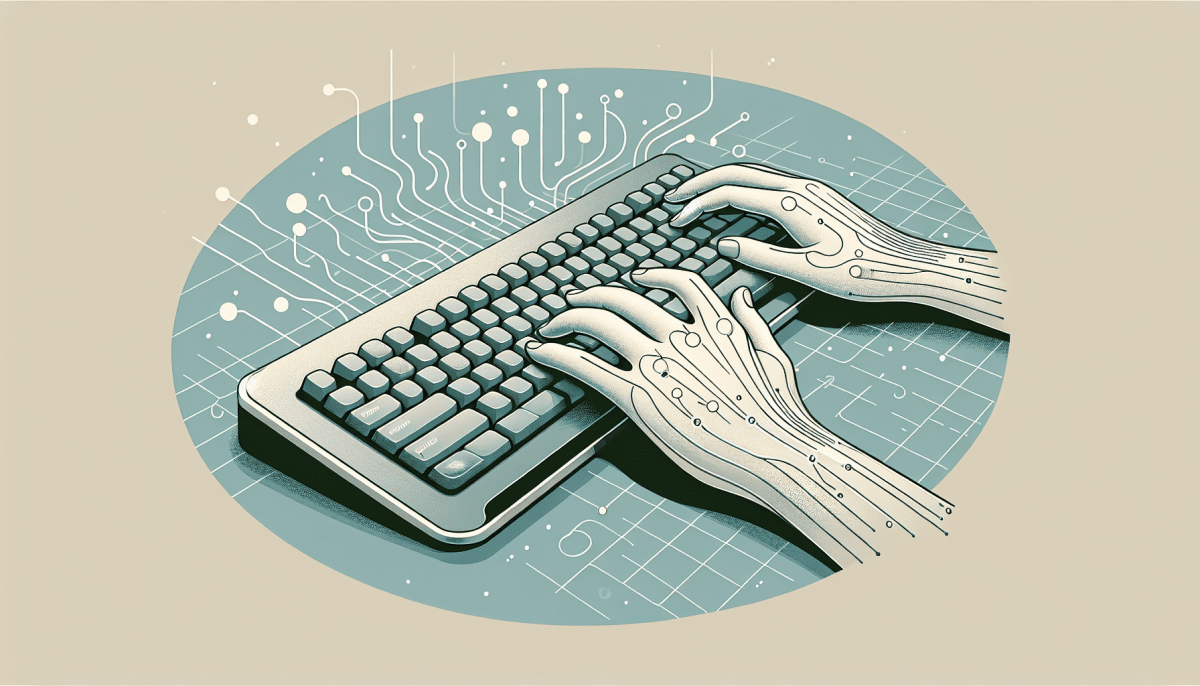
Finding the right ergonomic keyboard can make a big difference in your comfort and productivity. With so many options available, it’s easy to feel overwhelmed. But don’t worry, I’ve got your back!
First off, think about the shape and design of the keyboard. Split keyboards can help keep your wrists in a more natural position, while curved designs can reduce strain. Try to test a few out, if you can, to see what feels best for your hands. Everyone’s different, so find what works for you!
Next, consider the key types. Some people love tactile keys that provide a satisfying feedback when pressed, while others prefer softer, quieter options. Mechanical keyboards are great for those who like that clicky sound, while membrane keyboards are nice and quiet if you share a space with others.
Don’t forget about adjustability! Look for keyboards that let you change the angle or height. This little feature can really help reduce tension in your wrists and keep you comfortable for long hours of typing.
Finally, remember to check the size. If you’ve got a small desk, a compact keyboard might be what you need. But if space isn’t an issue, a full-sized model can provide a familiar layout that makes typing feel more natural. Happy typing!
Key Features to Look For
When shopping for an ergonomic keyboard, a few key features can really make a difference in your comfort and productivity. Here’s what you should consider:
Choosing the right ergonomic keyboard can really boost your comfort while you work, making it easier to stay focused and productive. Keep these features in mind, and you'll find a keyboard that fits your needs perfectly!
Benefits of Using an Ergonomic Keyboard
Using an ergonomic keyboard can seriously change the game when it comes to comfort and productivity. If you spend long hours typing, you probably know how much strain can build up in your hands and wrists. An ergonomic keyboard helps reduce that stress by encouraging a more natural hand position. This means less discomfort and more efficiency in your work.
One of the biggest perks is reducing the risk of repetitive strain injuries, like carpal tunnel syndrome. Regular keyboards can force your wrists into awkward angles, leading to tightness and pain over time. An ergonomic keyboard aligns your wrists comfortably, making it way easier to type for hours without feeling like your hands are about to fall off.
Another cool benefit is how these keyboards can boost your typing speed. Since they’re designed for comfort, you can focus more on what you’re typing rather than how much your hands hurt. This leads to fewer mistakes and a smoother workflow overall. Plus, many ergonomic keyboards come with handy features like customizable keys, which can really speed things up.
Let’s not forget about the variety available. You can find split keyboards, tented designs, and even ones with cushioned wrist pads. There’s something for everyone, so you can pick one that suits your style and needs. Finding the right fit can make all the difference in your daily grind.
Simple Tips for Better Typing Comfort
Typing comfortably can make a world of difference in how you feel while working. Here are some simple tips to help you boost your typing comfort.
First off, consider your chair and desk height. You want your elbows at about a 90-degree angle when your hands are on the keyboard. If your chair isn’t adjustable, a footrest can help you find that sweet spot. Keep your feet flat on the ground or on the footrest to keep your posture in check.
Keyboard placement matters too. The keyboard should be close enough that you don’t have to stretch your arms too much. A slight slope can help, so leveling your keyboard or using a wrist support can reduce strain on your wrists. Keep your hands floating comfortably above the keys instead of resting your wrists on the desk. This simple tweak can prevent that annoying discomfort.
Take regular breaks! Seriously, stepping away from your screen for a few minutes can refresh both your mind and your hands. Try to stand up, stretch, or take a short walk every hour. This quick break can prevent fatigue and keep you focused longer.
Lastly, make use of keyboard shortcuts whenever you can. They can save you a lot of time and spare your fingers from unnecessary typing. This little efficiency boost can not only make your workflow smoother but also lessen the physical strain on your hands. Small changes can lead to a more comfortable typing experience and a happier you!